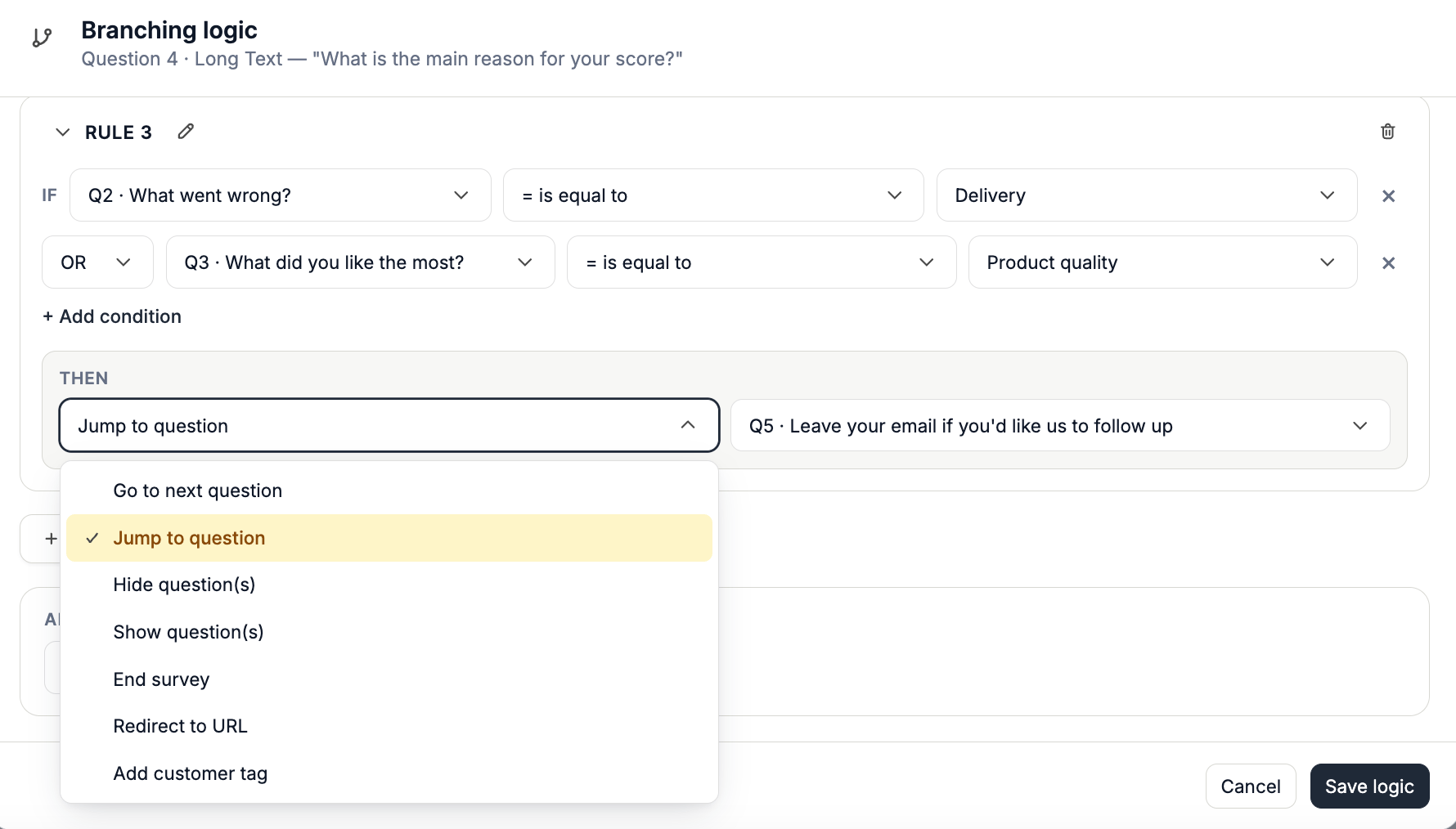
IF Question 1 is equal to “Yes”Instead of continuing to the next question, Apricot will take the respondent directly to Question 5.
THEN Jump to Question 5
Set Up a Logic Jump
1
Step 1: Open Survey Branching
Open the survey you want to add a Logic Jump to.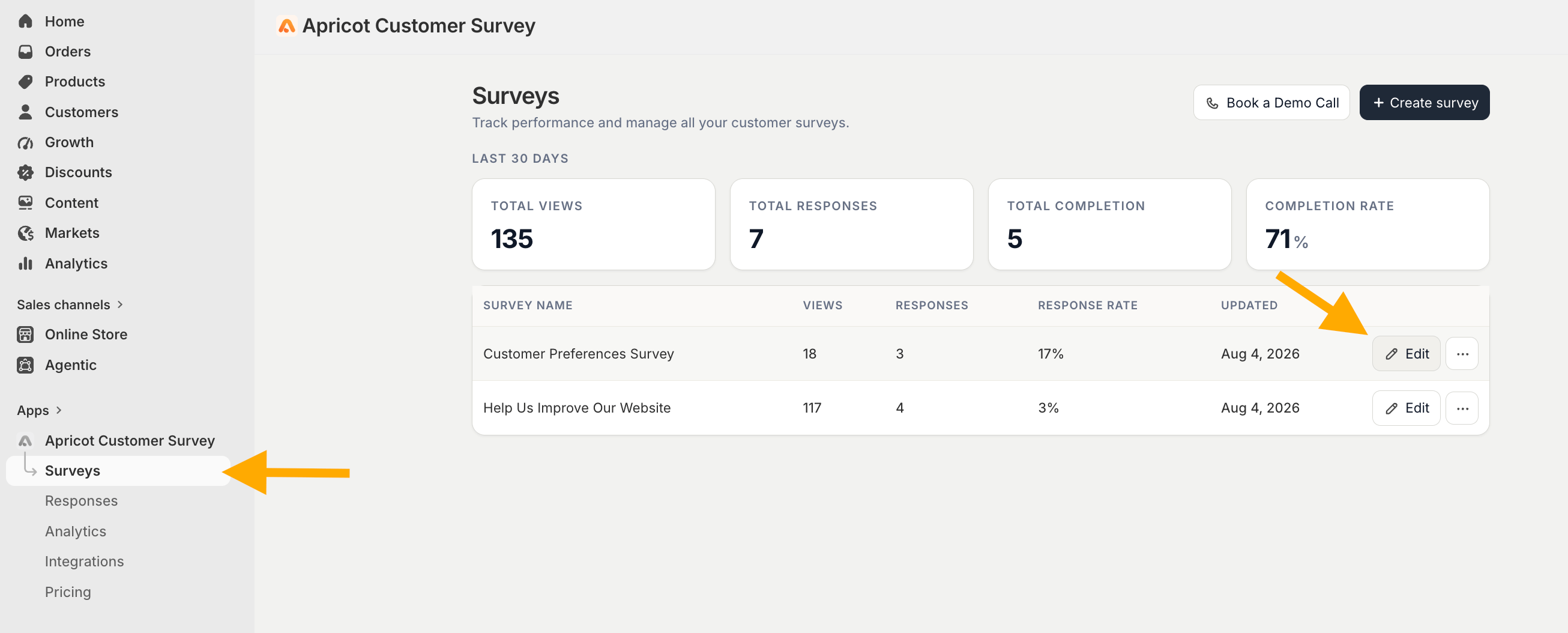

2
Step 2: Select the question
Click the question block that contains the answer you want to use as the condition.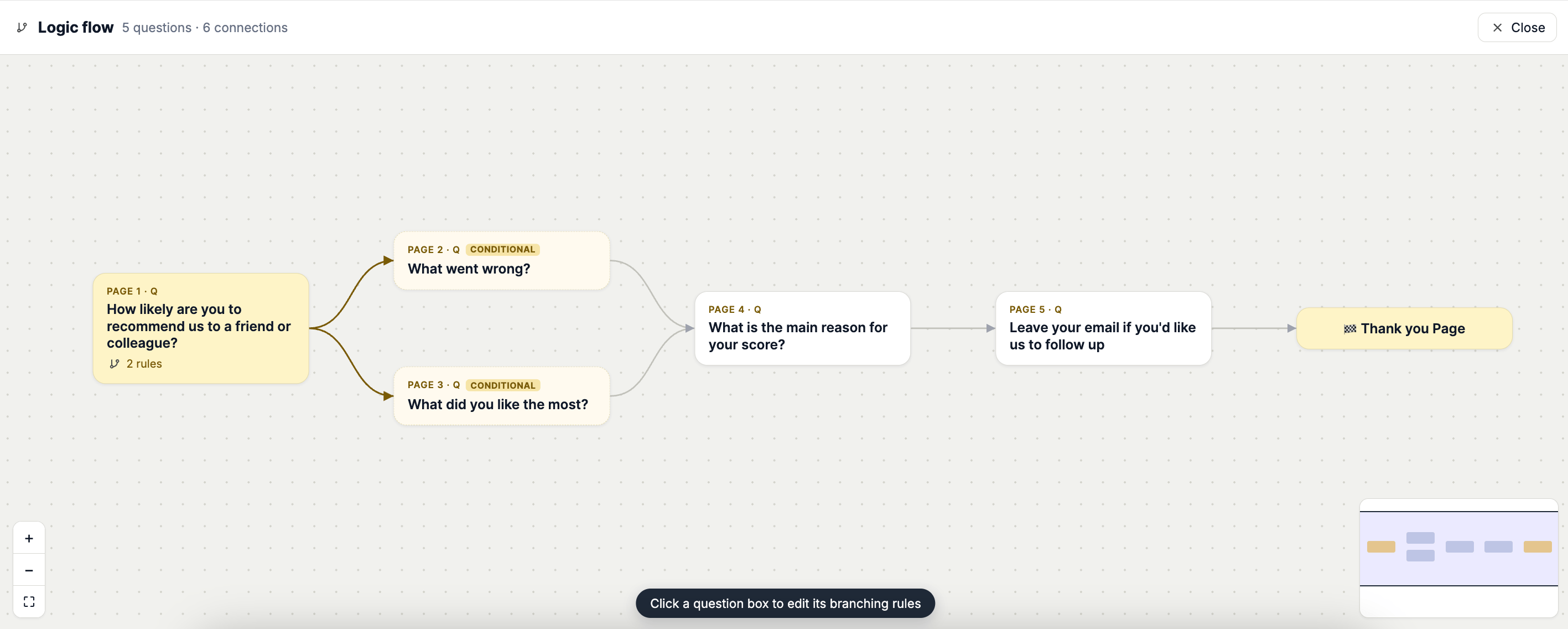
3
Step 3: Create your condition
Click Add Rule and configure the IF condition.Select: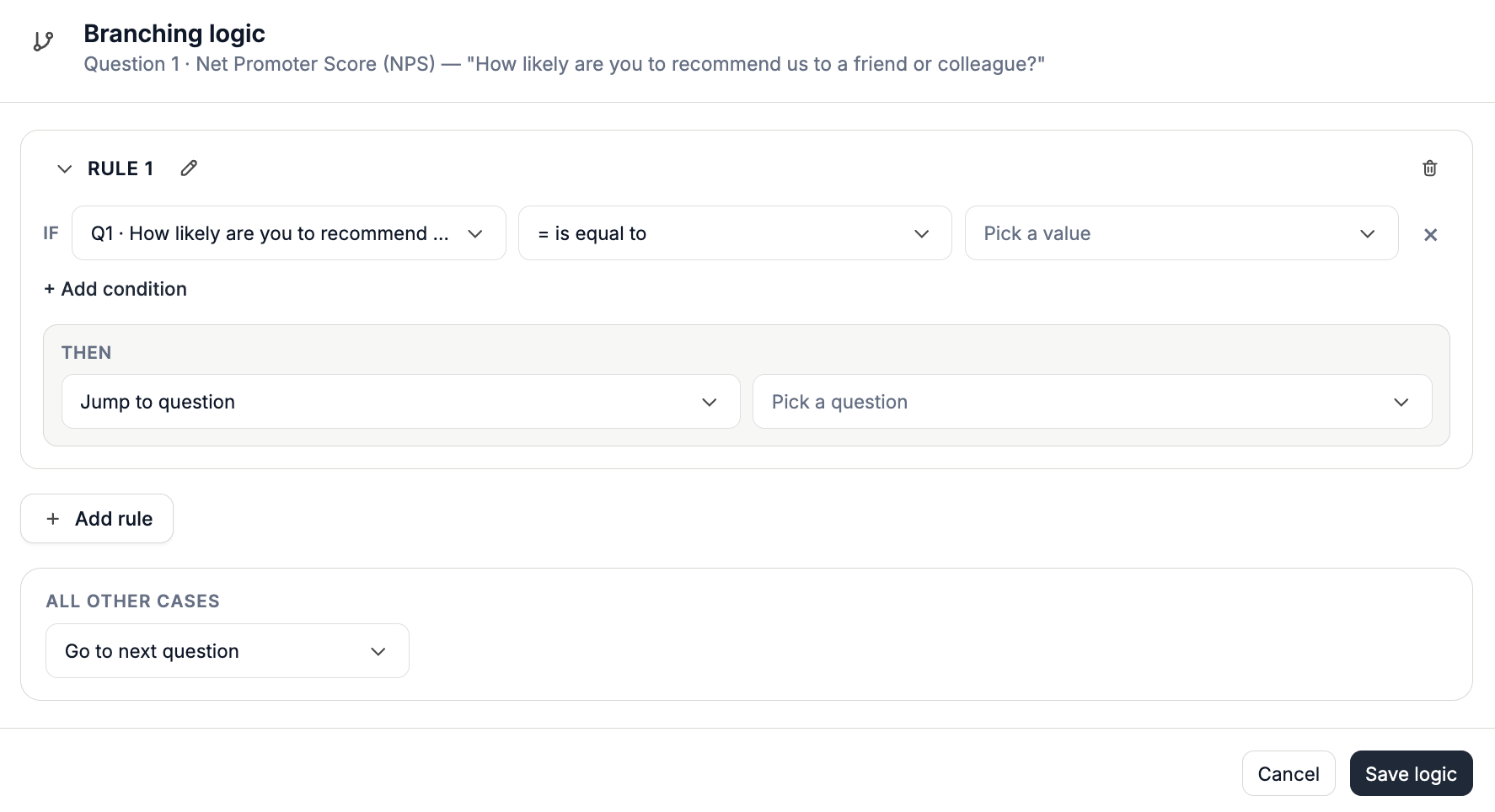
- The question you want to evaluate
- The appropriate operator
- The answer or value that should trigger the jump
IF Question 1 → Is equal to → “Yes”
4
Step 4: Choose Jump to Question
Under THEN, select Jump to Question.Choose the question you want respondents to be redirected to when the condition is met.For example:THEN → Jump to Question 5